1. Discuss what you see in the pictures below. If it shows the correct way to use a computer, enter a tick mark in the box. If it shows the wrong way to use a computer, mark it with an X.
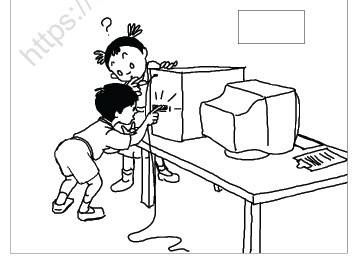
a.The student is cleaning the computer with a cloth. If this activity is necessary to keep the computer clean , enter a tick mark in the box, else mark a X .
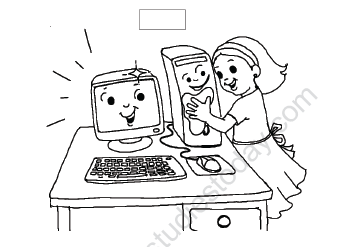
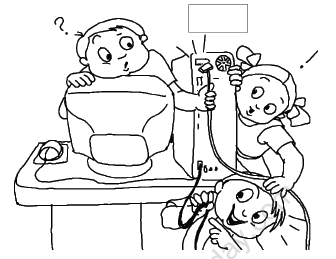
b. The students are putting their fingers in the slots meant for cables. Is this right or wrong? If it is Ok to put their fingers in slots put a tick mark in the box, if it is not right , enter a X
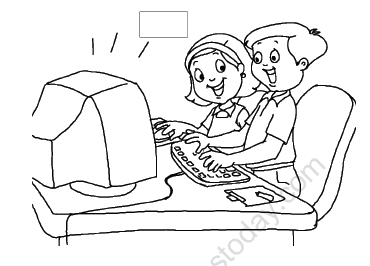
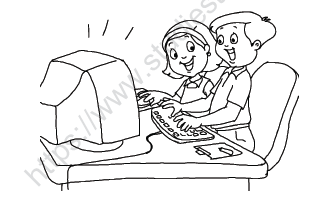
c. The students are sharing the computer. Is sharing a good habit ? If yes , enter a tick mark or enter a X .
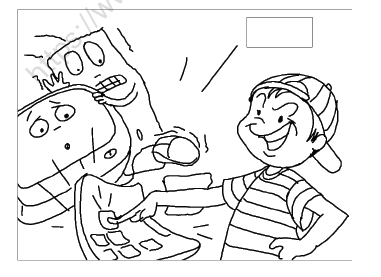
d. The student is banging very hard on the Keyboard. Is this the right way to handle the computer? If yes enter a tick mark, else enter a X.
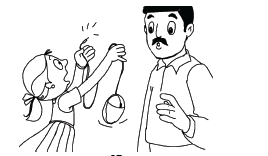
e. The students are pulling out all the wires from their slots. Is it Ok for them to do so? If yes enter a tick mark else enter a cross X .
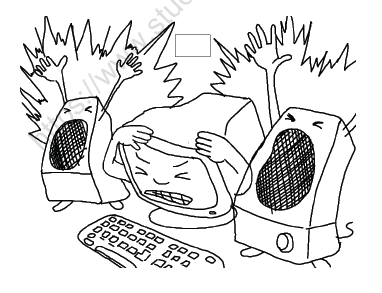
f. The music is being played very loudly. Is playing music so loudly correct ? If yes, enter a tick mark, else enter a X .
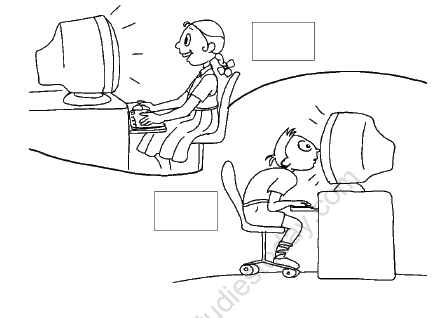
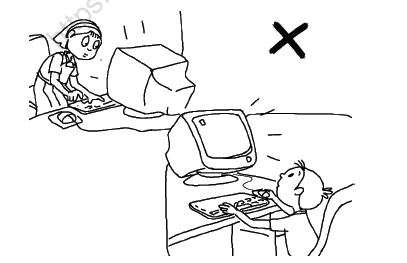
g. The girl is sitting with a straight back while using the computer , whereas the boy is bending and is very close to the monitor . Put a tick mark on which position is right and a X on which position is wrong.
2. Do as an oral exercise with the class:
You must not eat and drink near a computer (True or False).
• What makes the computer run?
•Pair up the students and ask them to show eye and neck exercises to each other.
• Loud sounds can damage your _______ , so we should keep the volume on the speaker _______.
• Discuss why you should not move around icons. How will this trouble others
who have to use the computer?
Additional illustrations: The following illustrations show the students doing certain activities .
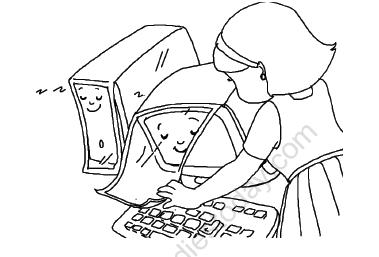
1. The student is neatly covering the computer so that it does not gather dust. This is the way the students should keep their computers clean.
2. The girl’s posture shown is wrong . You should not stand and work on the computer. The boy is also sitting very low and looking up at the monitor. This is also the wrong way,
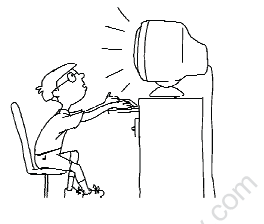
3. The illustration shows a boy who is looking up at the monitor, this is also the wrong posture while using a computer.
4. The boy and girl are sharing a computer. While the girl is handling the mouse, the boy is operating the keyboard . Sharing is always a good habit.
5. The girl has pulled away the mouse from the computer and is showing it to her father !. Do not pull the parts from the computer.